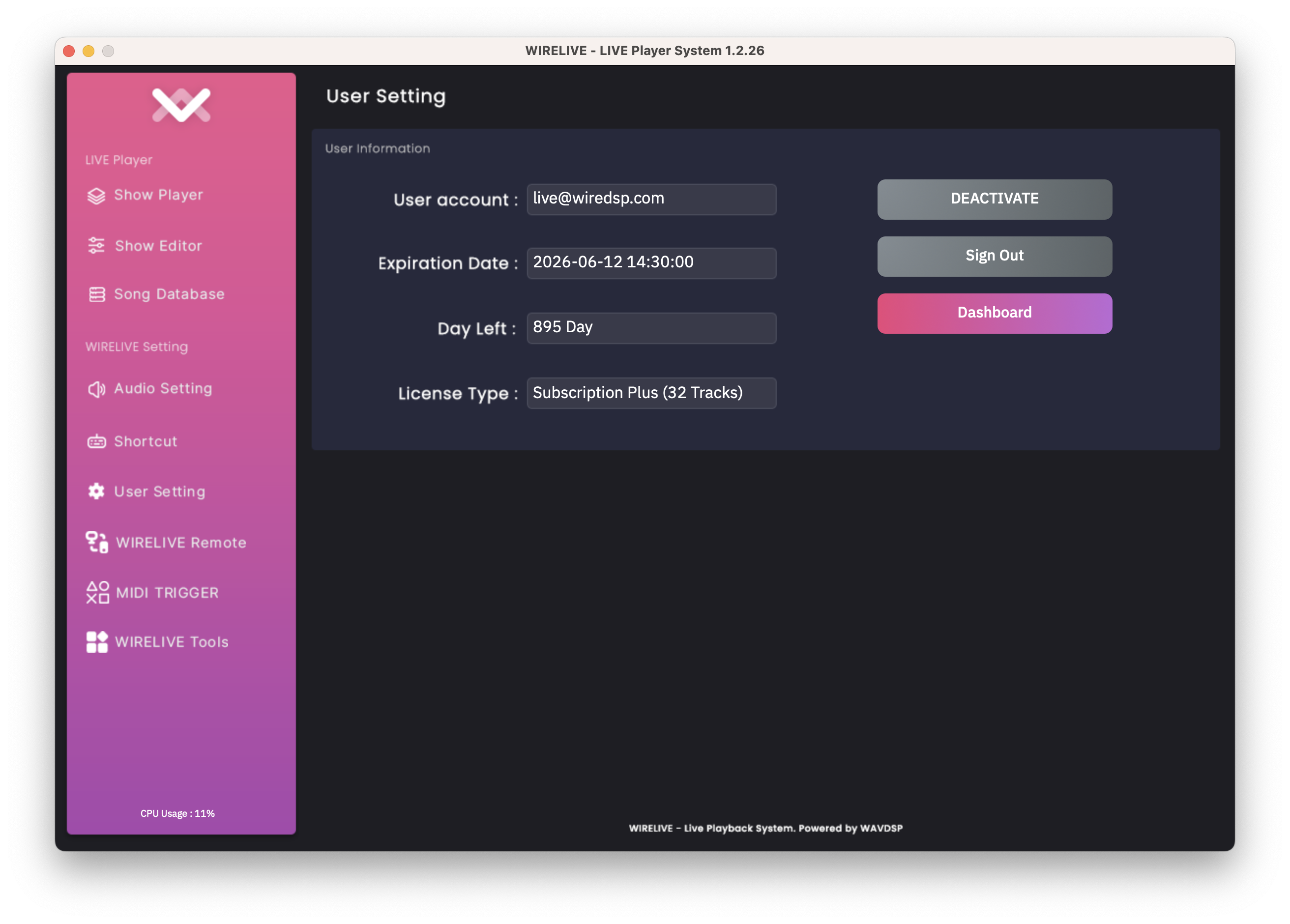
De-Activation Guide
Need internet connection to deactivate.
Activation
To de-activate, you need to log-on WIRELIVE Playback System on your system.
- Open WIRELIVE Application.
caution
If you sign-out or clean up your OS, you need to sign-in and activate license that linking to your machine.
- Going to User Setting and Click
DEACTIVATE - WIRELIVE will automatically deactivate and quit.
caution
Before deactivate, make sure you have save your project because when deactivate process, software will be force quit without checking your project file.